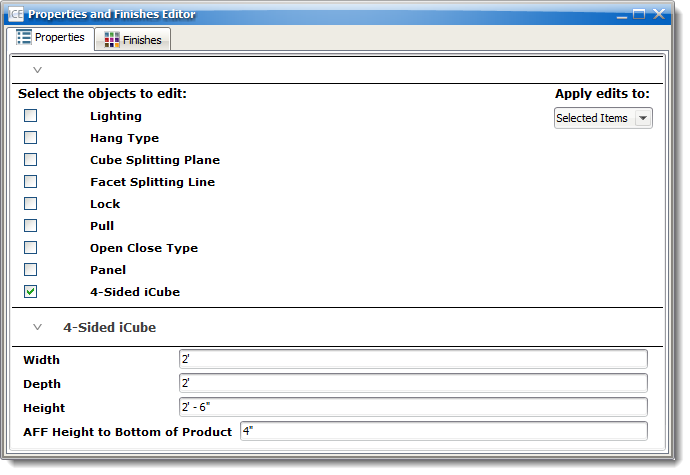
Casework properties can be changed using the Properties Editor. These include lighting, how the Casework hangs on the wall, the Offset value, type of lock, type of pull, open/close types and size, etc. When using the Properties Editor select multiple cabinets at once to make collective changes.

Topics in this section:
•Changing Dimensions of a Cabinet
•Making Shelves Fixed/Adjustable